Want to talk? ;)
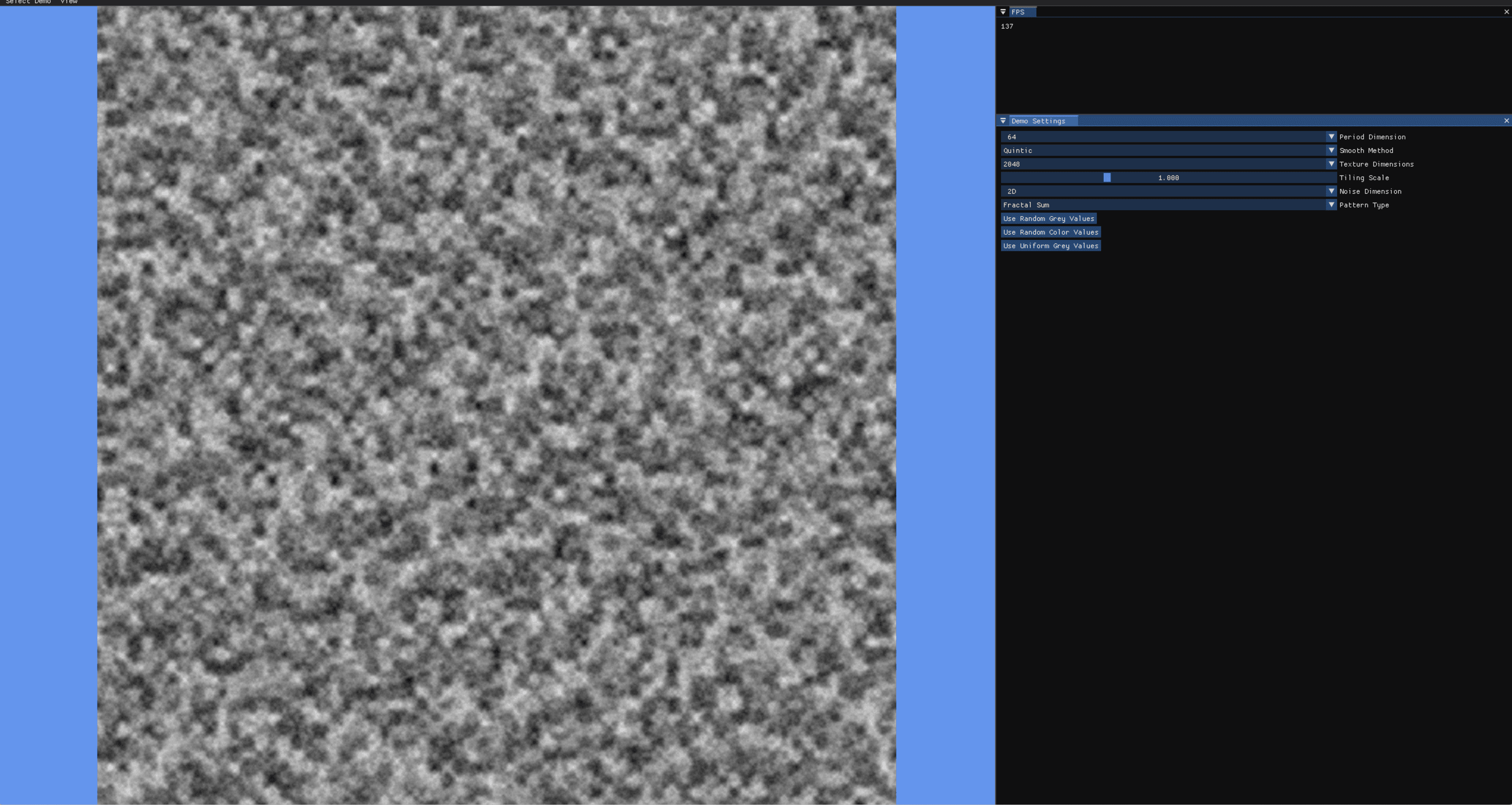
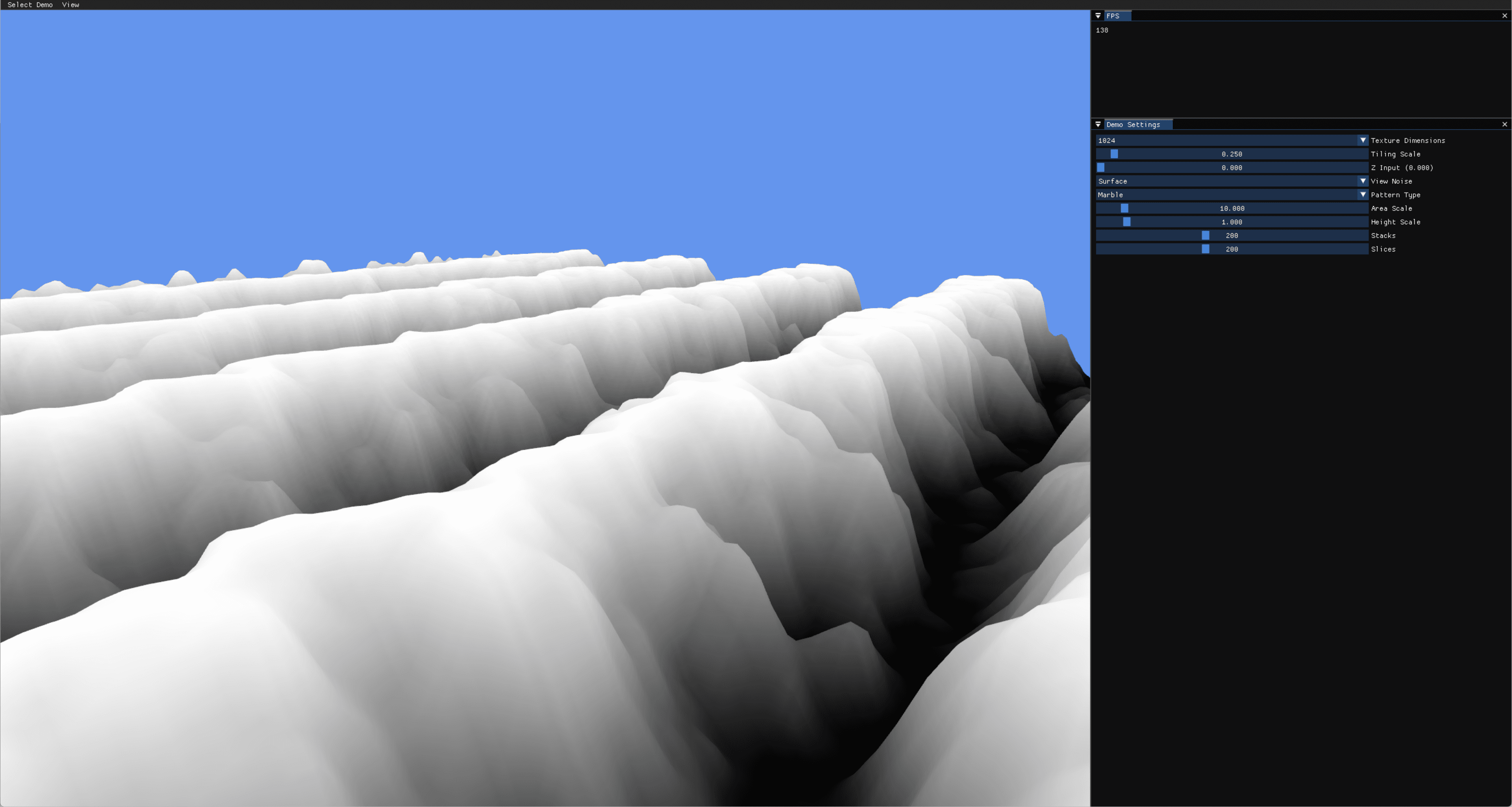
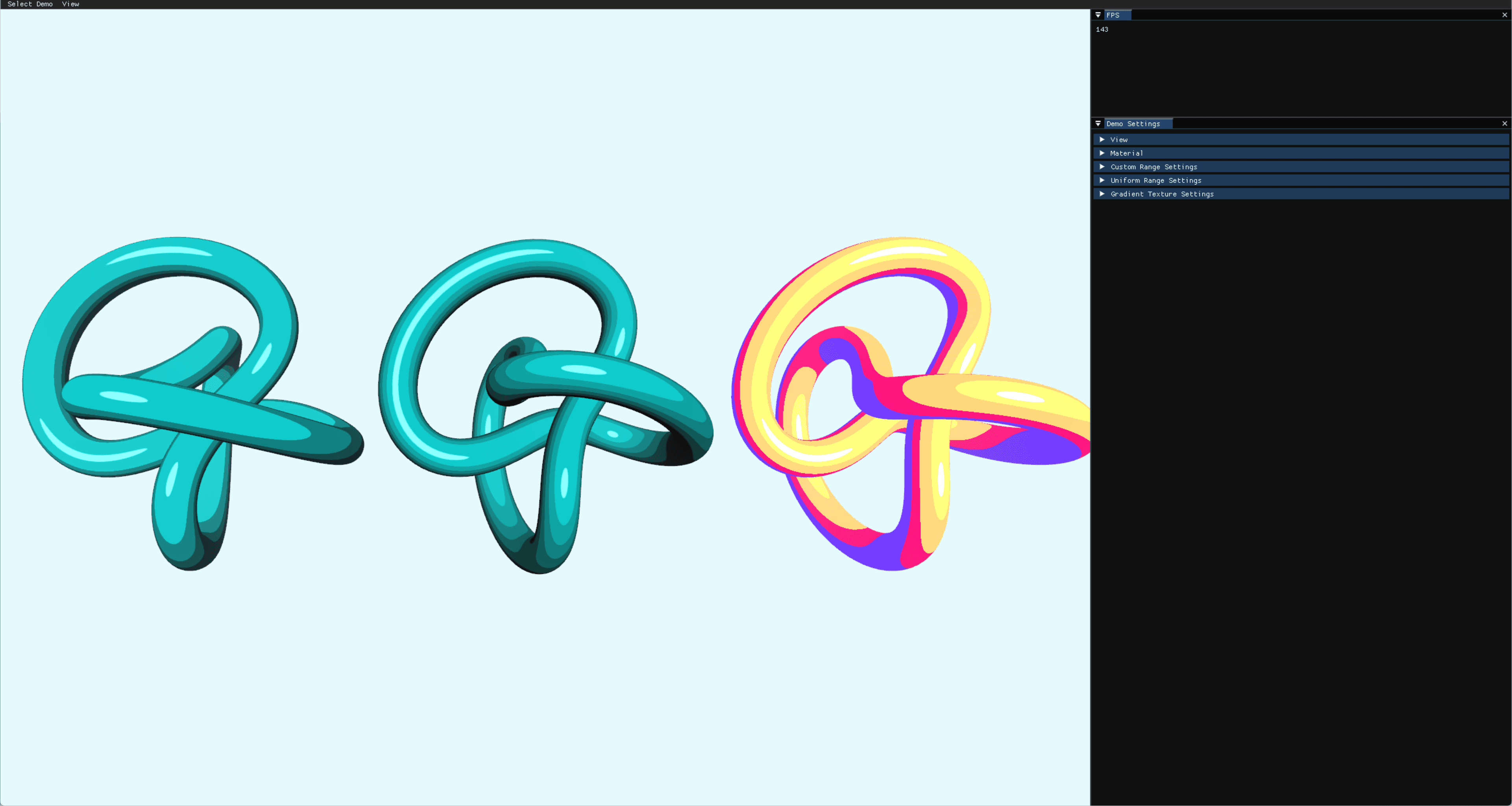
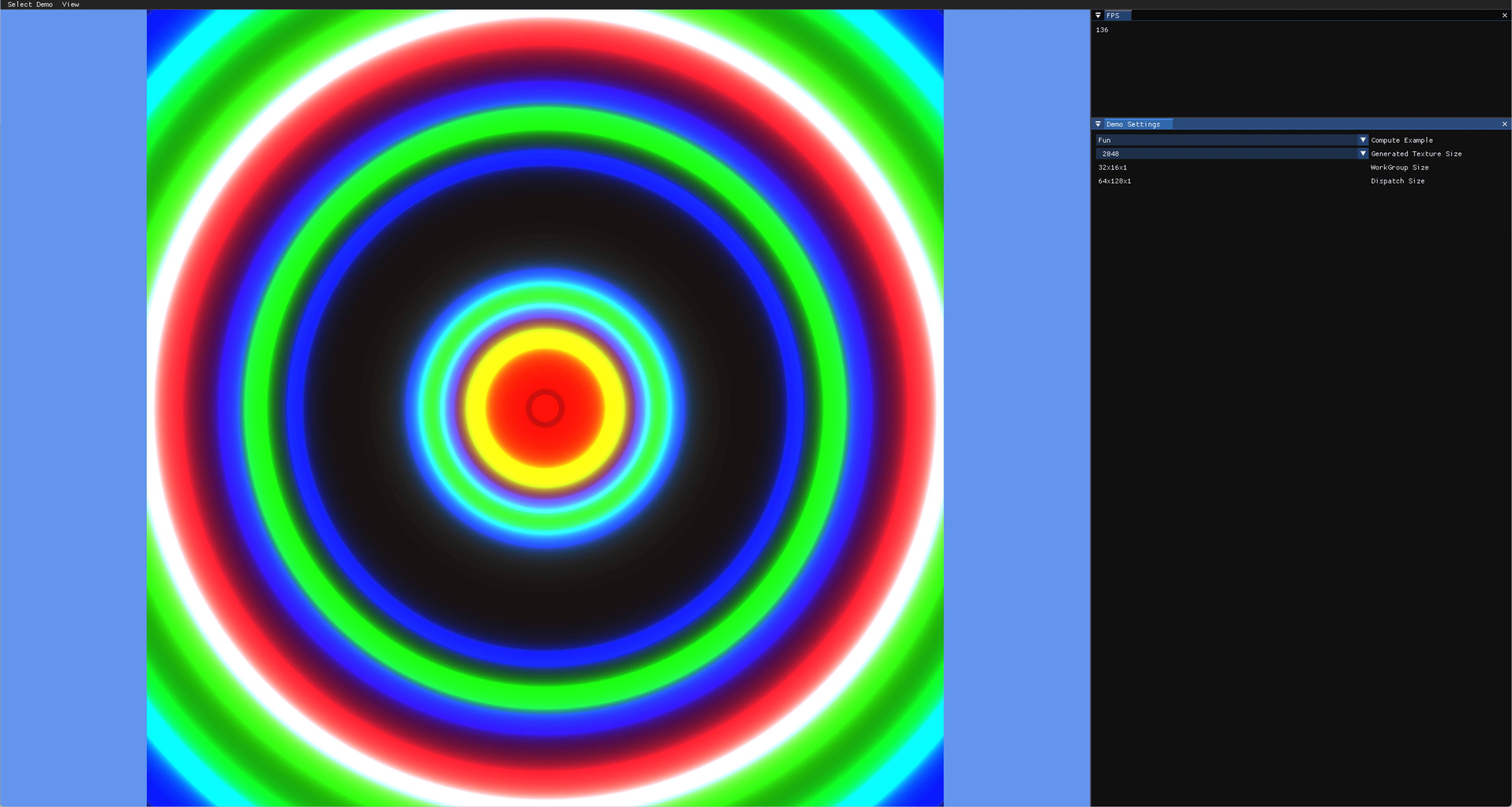
During a CS course, I was learning various concepts of graphic rendering, and it occurred to me that visualizing these concepts could make them easier to understand. Motivated by this idea, I decided to compile the concepts we learned that week and create my own graphic simulator. When developing the program, my goal was to build an advanced and comprehensive tool that not only provided intuitive and easy-to-use interfaces but also supported 3D rendering with features like generating patterns using Noise, in addition to 2D rendering capabilities.
Role:
Producer & Graphic Programmer
Duration:
15 weeks
Challenges
Accuracy and Reliability: Ensuring the program provides real-time rendering features and delivers the latest OpenGL technical information.
User Experience: Moving beyond the resource-heavy executable version, providing easy access through HTML to ensure usability across various platforms.
Advanced Features: Integrating advanced capabilities such as real-time adjustment of the number of rendered objects, surface texture detail modification, and the ability to experience differences in rasterization, features typically difficult to encounter in everyday scenarios.
My Approach
Discovery Phase
Understanding Key Challenges: Engaged in detailed discussions with fellow students and peers to identify common graphic concepts that are challenging,
including topics like shader programming, lighting models, and real-time rendering techniques.Recent Graphic Trends Analysis: Analyzed the latest graphic technologies like ray tracing and virtual production in gaming and film to stay updated on industry advancements.
Design and Development
UI/UX Design: Implemented a simple, visually intuitive IMGUI interface for easy access to tasks like object creation, concept adjustment, and value tweaking.
Feature Integration: Developed weekly modules based on pre-planned concepts, creating demos that fully showcase each topic.
Memory Management: Optimized memory usage with advanced techniques like multithreading and hash tables to ensure smooth 3D and 2D rendering without overloading the program.
Pipeline Setup: Established a build automation process using GitHub Actions to reduce project build times as complexity increased.
Testing and Iteration
User Testing: Collected feedback through simulator tests to verify proper concept implementation and user understanding, refining design and functionality accordingly.
Performance Optimization: Continuously tracked and fixed minor bugs while improving code efficiency to enhance overall performance.
Results
The graphics simulator was successfully completed, receiving positive feedback for its precision, user-friendly interface, and advanced features.
Its smooth real-time rendering and the ability to input desired values and see results significantly enhanced user engagement and satisfaction.
The simulator was particularly well-received by both professors and peers.
Future Plans
Continuous Improvement: Plan regular updates and enhancements to introduce new features and improve user experience based on feedback and current trends.
Expansion: Explore collaborations with other graphics technologies and tools to provide a more comprehensive and integrated user experience.
Conclusion
By combining strategic planning, meticulous design, and consistent development, I successfully created a program that not only met the expectations of my peers and professors but also greatly contributed to my own learning.
This project showcases my ability to apply various graphic concepts in practice, demonstrating both practical problem-solving skills and deep programming expertise inspired by my environment.